Images to WebP
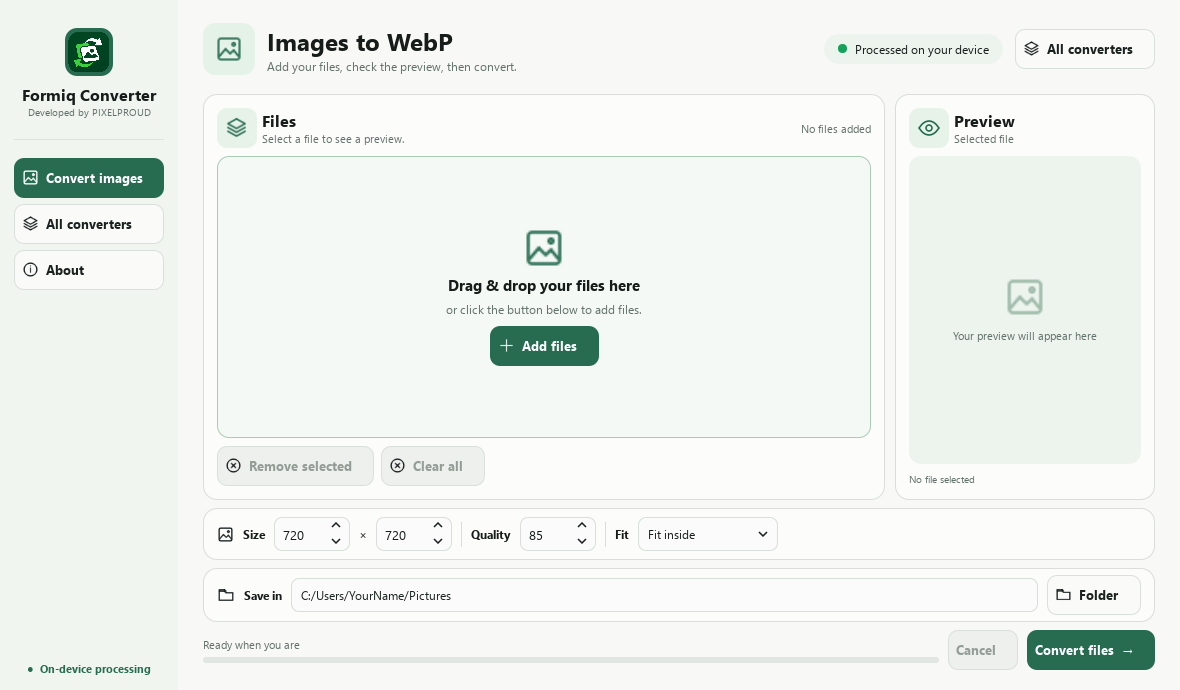
Adjust size, quality and fit when preparing images for the web.

05 / DESKTOP APPLICATION
PIXELPROUD ↗ WINDOWS X64 / V1.0.0 PREVIEW
Free, practical image and PDF conversion on your Windows PC. Your conversion workflow is designed to work offline.
The installer is unsigned. Windows may show an unknown-publisher or SmartScreen warning.
IMAGES × PDF
LOCAL BY DESIGN
SIMPLE FILE CONVERSION
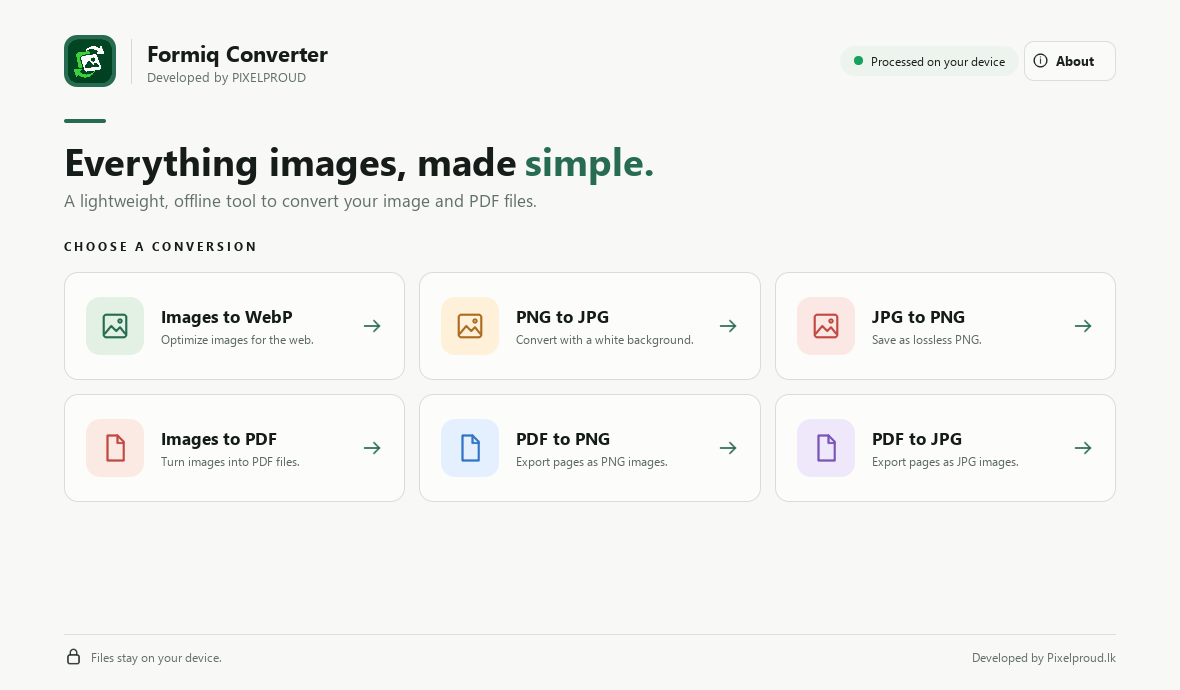
Formiq Converter brings common image and PDF tasks into one free desktop app, making conversions convenient without relying on paid online services. Choose files or drag and drop them, preview your selection, and save to a folder you choose. Conversion features are designed to work offline.
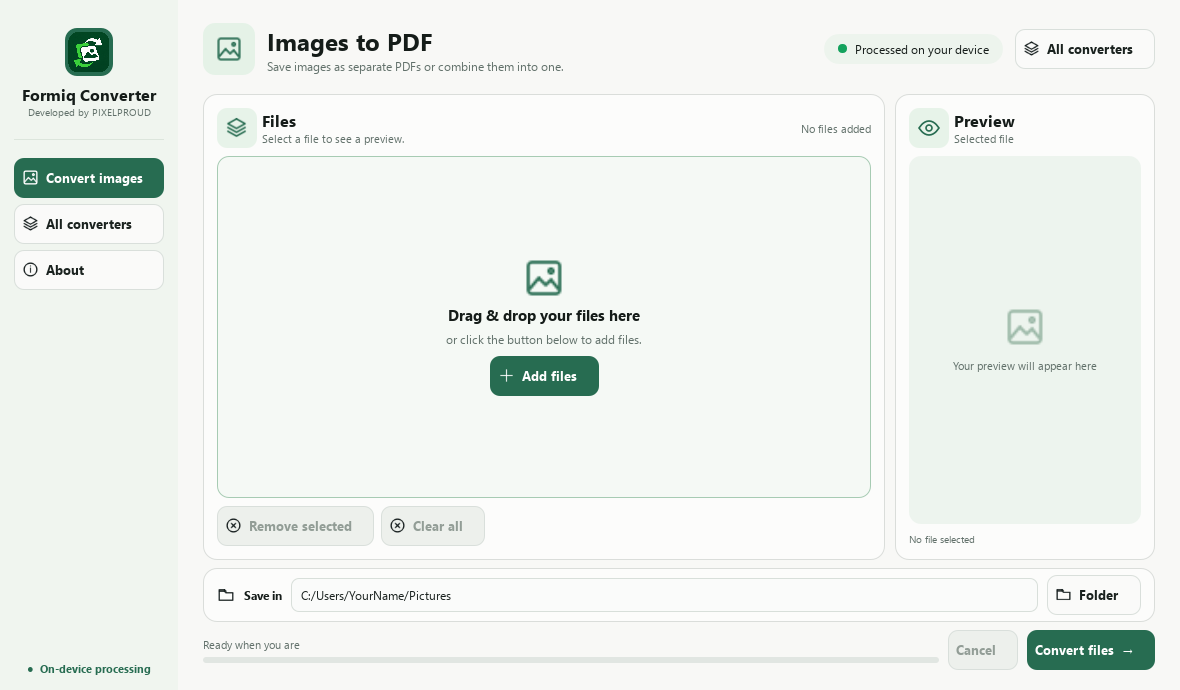
Select files, review previews and conversion options, then save the results. Formiq offers overwrite prompts and can open the output folder after conversion.
PIXELPROUD was founded by Mohamed Yaseer, who created Formiq Converter.
SIX CONVERSION MODES
ONE APP, SIX TOOLS
Adjust size, quality and fit when preparing images for the web.
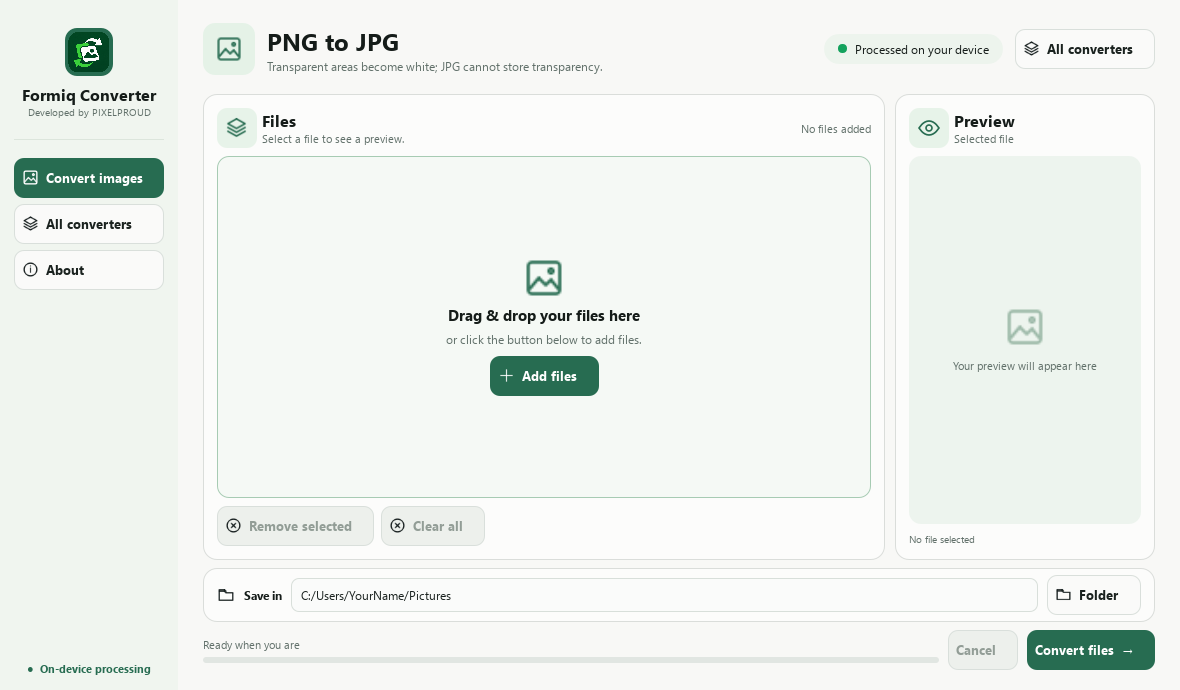
Convert PNG images to JPG with transparent areas placed on white.
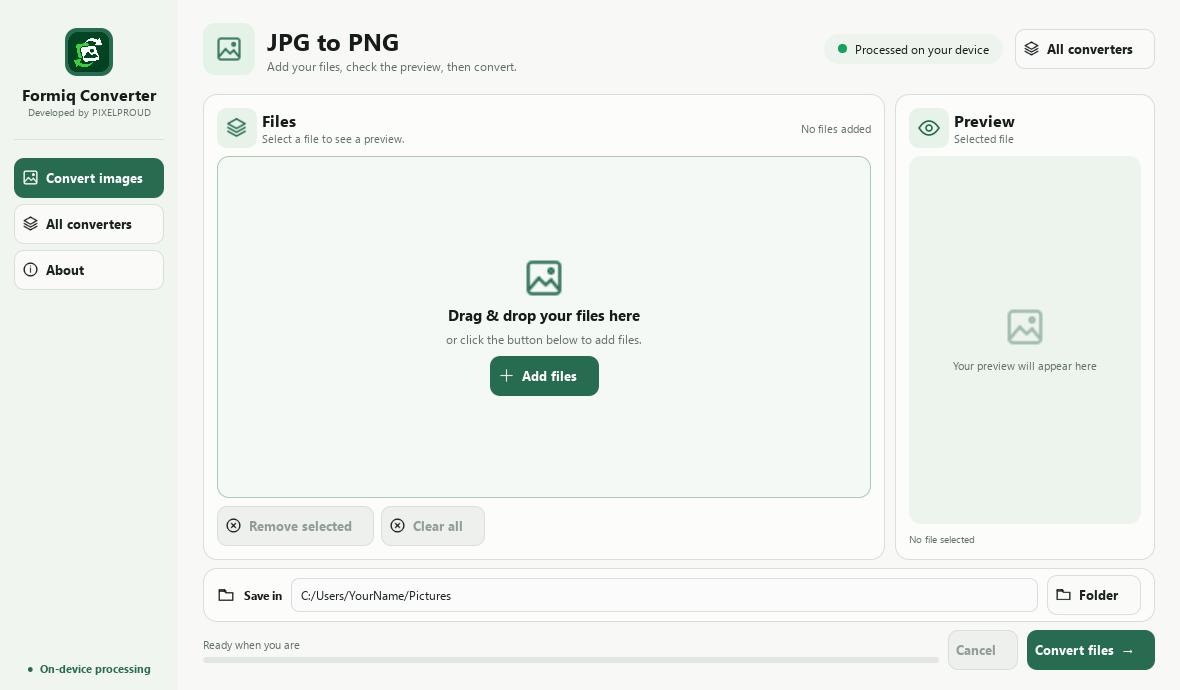
Convert JPG images to PNG.
Create separate PDFs or combine multiple images into one PDF.
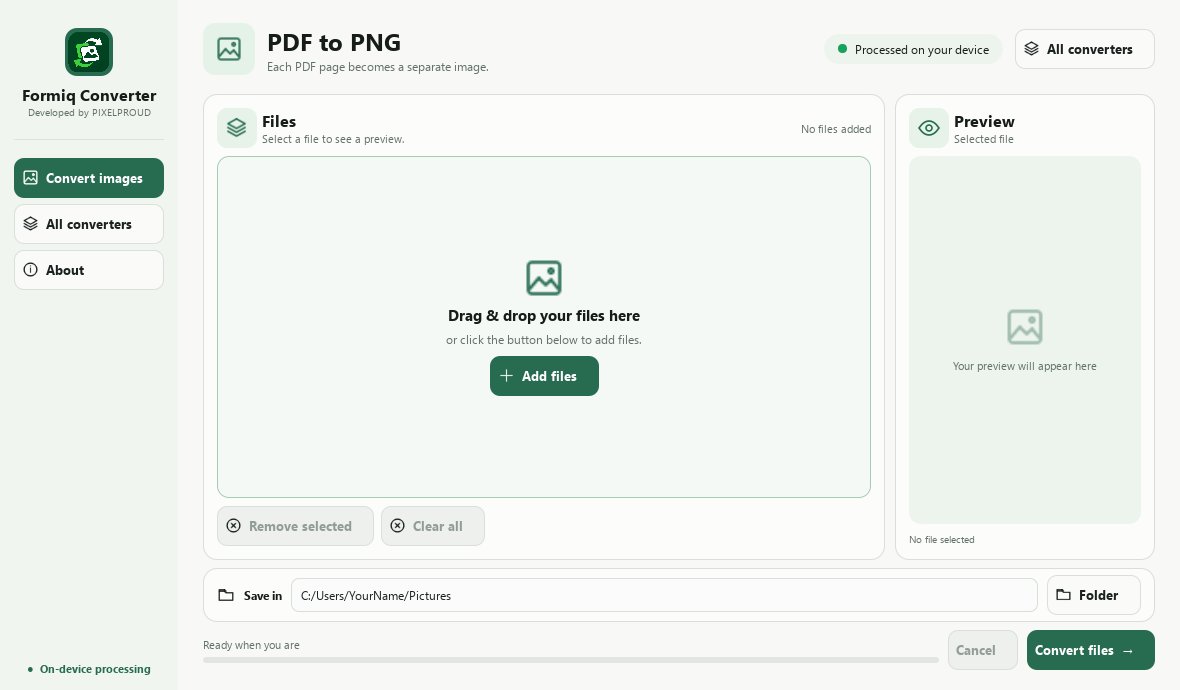
Export PDF pages as PNG images.
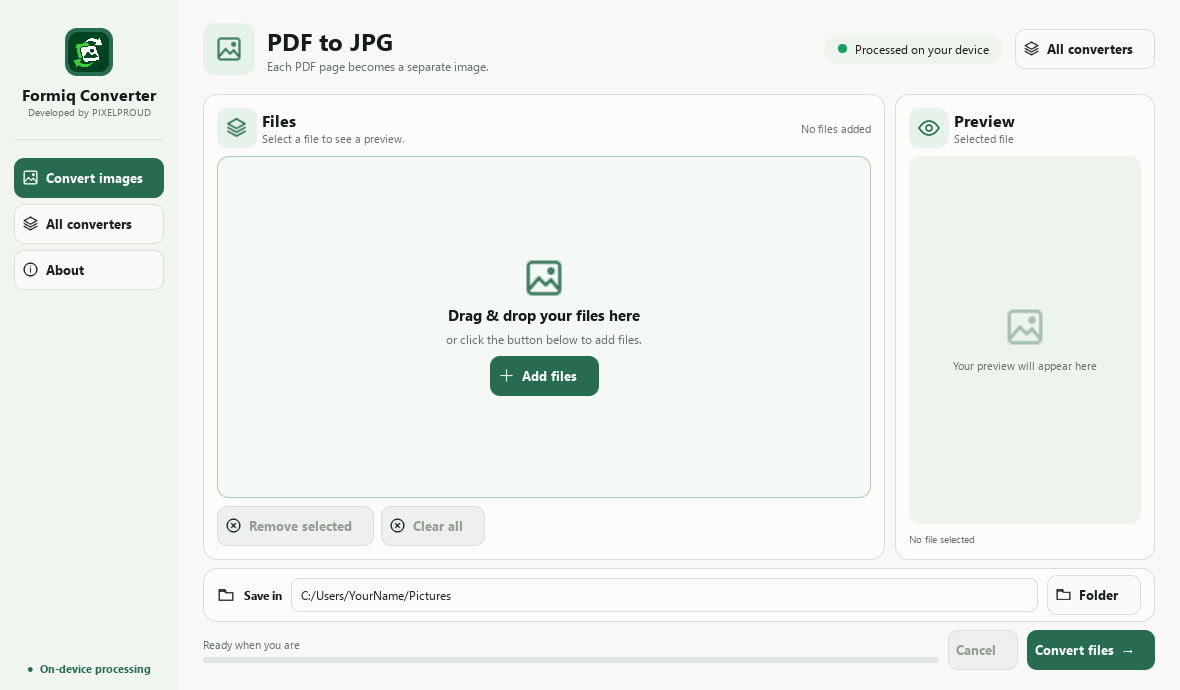
Export PDF pages as JPG images.
INSTALLATION
WINDOWS X64 / PREVIEW
Download the Windows preview installer from the official release. The following guide images are illustrations, not screenshots; actual Windows and setup screens may differ.
Open the release page and download the Windows x64 installer.
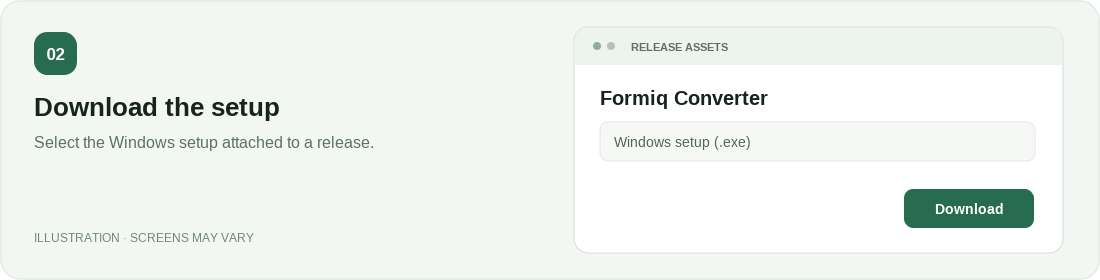
Open the downloaded installer. It is unsigned, so Windows may display an unknown-publisher or SmartScreen warning. Review the source and the prompt before deciding to continue.

Read the terms displayed by setup and accept them if you agree.
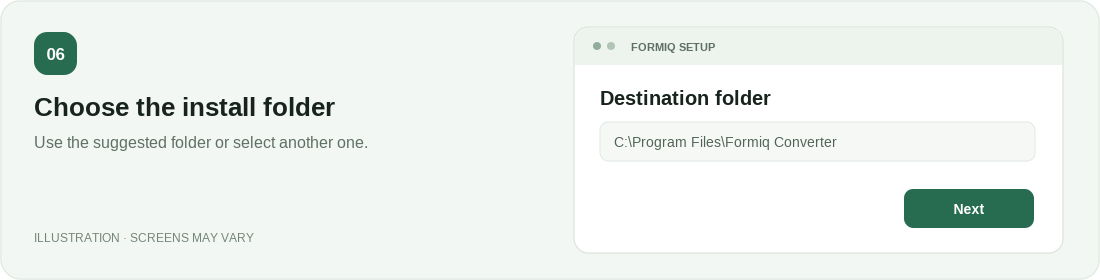
Choose the installation folder and shortcut options.
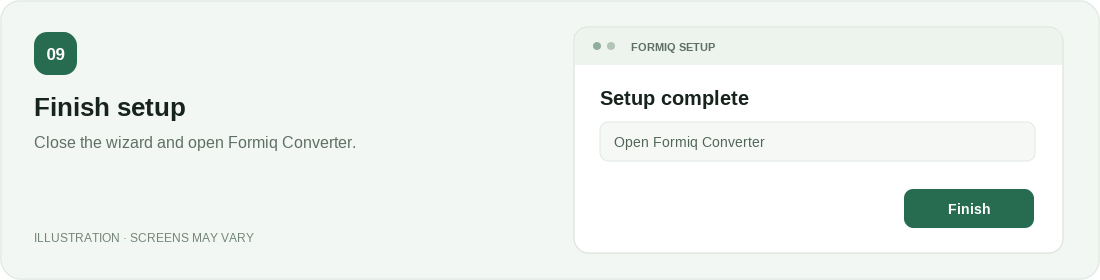
Start installation, wait for setup to finish, then complete the final step.
04 / INSIDE THE APP
Explore the home screen and all six conversion tools. Output paths shown in these images are examples.
REMOVE FROM WINDOWS
WHEN YOU NEED TO REMOVE IT
The following images are illustrations, not actual uninstall screenshots; the Windows screens and prompts may differ.
Close the application before removing it.
Open Windows Settings → Apps → Installed apps.
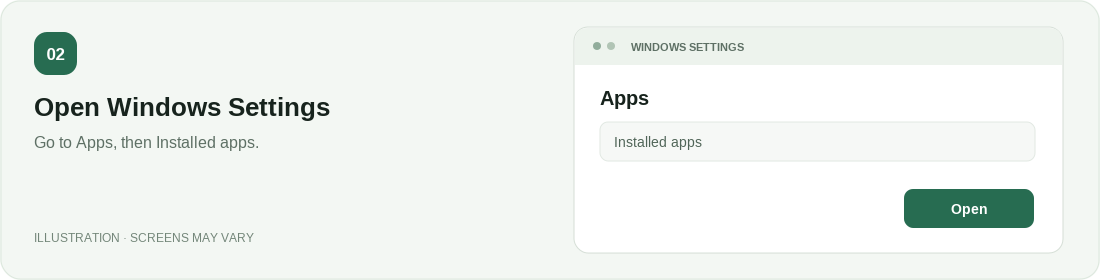
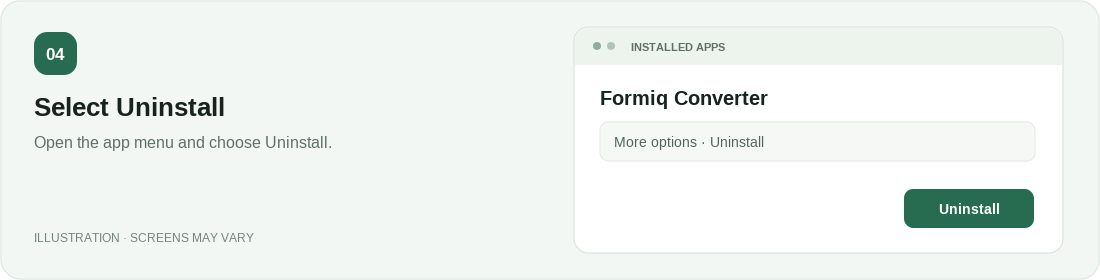
Find Formiq Converter, select Uninstall and follow the prompts.
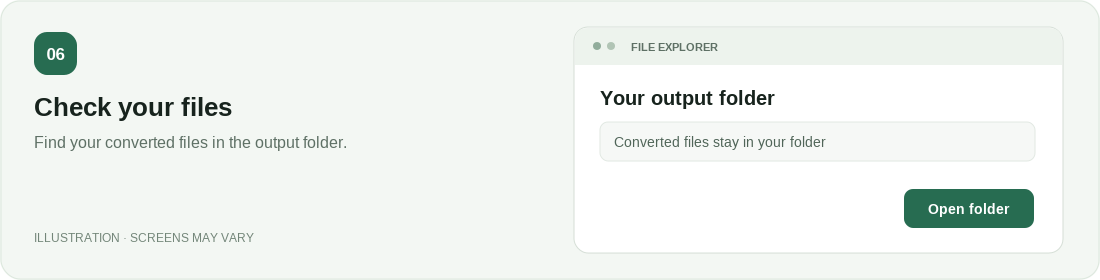
Check your chosen output folders for converted files afterward.
06 / EXPLORE FORMIQ
Explore the public guide and preview release, or download the Windows x64 installer.
Unsigned installer: Windows may display an unknown-publisher or SmartScreen warning.